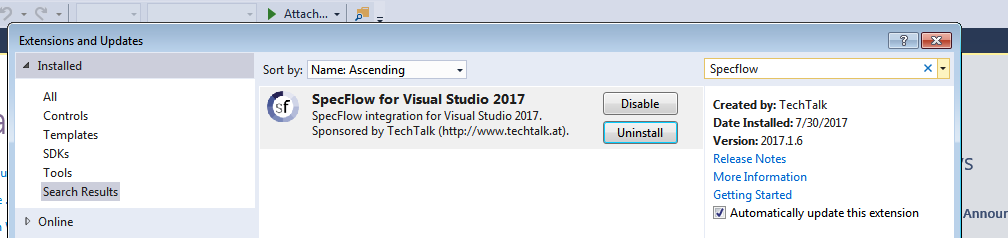
Installing Specflow Extension in Visual Studio
Before we create a Automation Framework Solution in C# we need install these prerequisites in the Visual Studio for any of the versions (2013,2015,2017)
Installing Specflow
Step 1: Click on Tools and then Click on Extensions and Updates

Step 2 : Install Specflow from Visual Studio MarketPlace by clicking on Download

Step 3: It will get downloaded and get scheduled for Install

Step 4: Once you restart the Visual Studio, Specflow will get installed